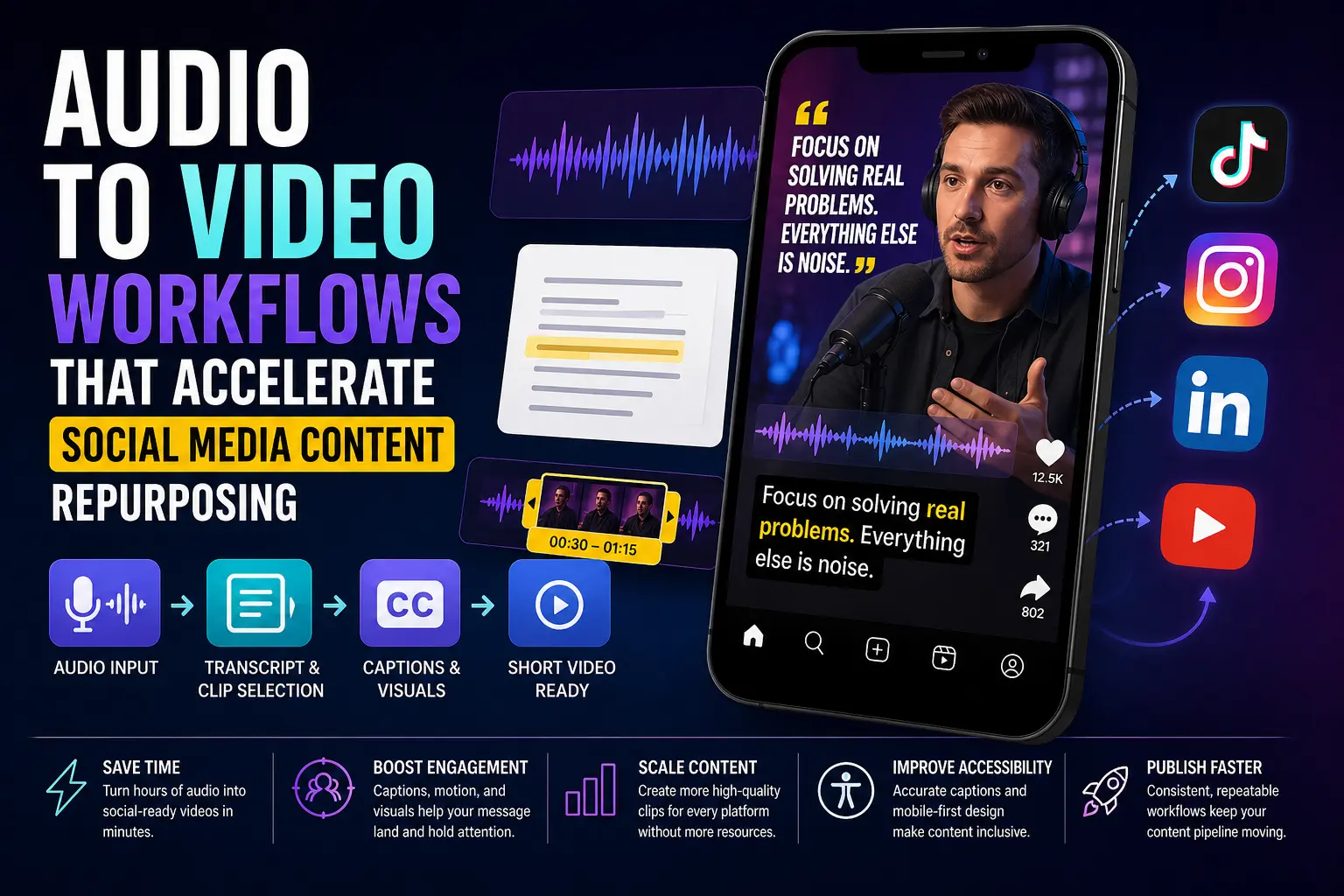
Every content team eventually runs into the same wall: you have hours of recorded audio — podcasts, webinars, voice notes from a client call — but turning any of it into social-ready video feels like a production project, not a quick afternoon task. The reality is that audio-first repurposing has become one of the most practical speed plays in modern content strategy. You already have the words; you just need a smarter path from voice to visible.
Why Audio-to-Video Makes Sense for Busy Content Teams
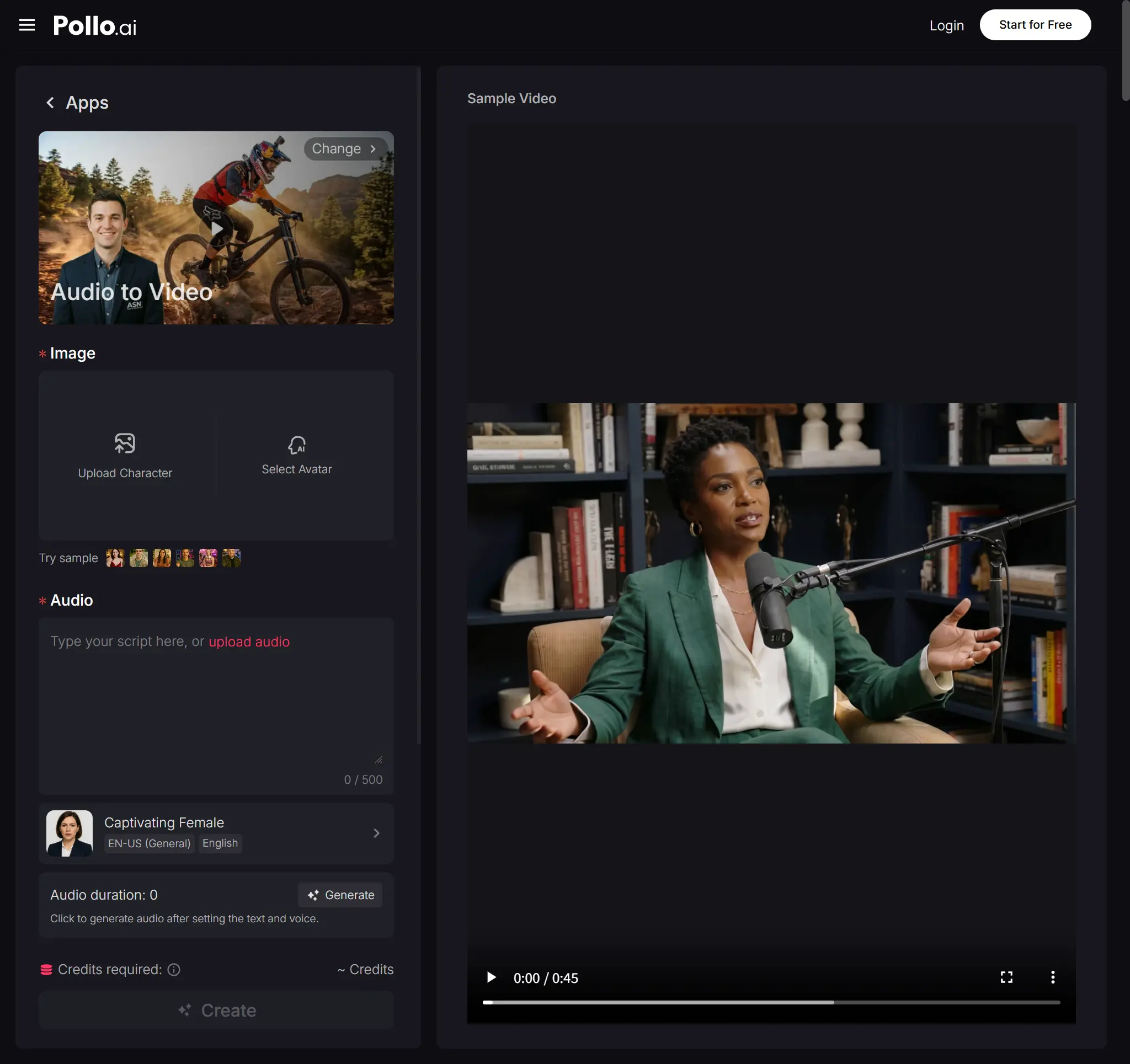
The core appeal of Audio to Video conversion is straightforward: spoken content already has structure, pacing, and ideas. Pollo AI makes this workflow accessible — rather than starting from a blank canvas or building video from scratch, teams can feed recorded audio or a script and let AI handle the visual layer. For social teams publishing across TikTok, Instagram Reels, and LinkedIn, this collapses what used to be a multi-day edit into something far more manageable.
The formats that benefit most from this approach are longer recordings: podcast episodes, recorded meetings, and webinar segments. These are already rich in quotable moments; the challenge is surfacing them. An audio-to-video pipeline helps by forcing you to identify the strongest 30–90 second windows and treat each one as a standalone piece — not a clip lifted from a longer video, but a self-contained thought.
Engagement also improves when audio-led videos include strong visual accompaniment. Static waveforms were a trend; they've mostly run their course. Audiences now expect captions, motion, and some visual rhythm that mirrors the tone of the speaker. The good news is that this level of polish is no longer reserved for teams with dedicated video editors.
A Simple Workflow for Turning Spoken Content Into Short Video
Start with transcript review, not the audio file itself. Read through the text and mark two or three moments where the speaker lands on a clear, useful insight — the kind of sentence someone would screenshot. Those are your clips. Trying to build video around vague sections or transitions almost always produces outputs that feel meandering.
Once you've selected the audio window, match captions to the natural rhythm of speech rather than sentence breaks. Viewers on mobile read captions almost as quickly as they hear words; when the two sync well, the watch time climbs. When they drift out of alignment — captions appearing too early or lingering too long — the brain splits its attention and engagement drops.
Pacing and visual choice matter nearly as much as caption quality. A single talking-head frame for 60 seconds works in long-form video; in short-form, you need scene variety. B-roll overlays, text animations, or abstract motion backgrounds give the eye somewhere to travel between caption reads. This isn't about dressing up weak content — it's about helping strong content land the way it deserves to.
For US and EU audiences specifically, accessibility is a real concern rather than a nice-to-have. Auto-generated captions save time, but they need a light review pass, especially for industry terms, names, and acronyms. If your audio includes speakers with strong regional accents or non-English phrases, factor in an extra five minutes of cleanup before publishing.
Where Vidfly AI Fits for Quick-Turn Video Creation
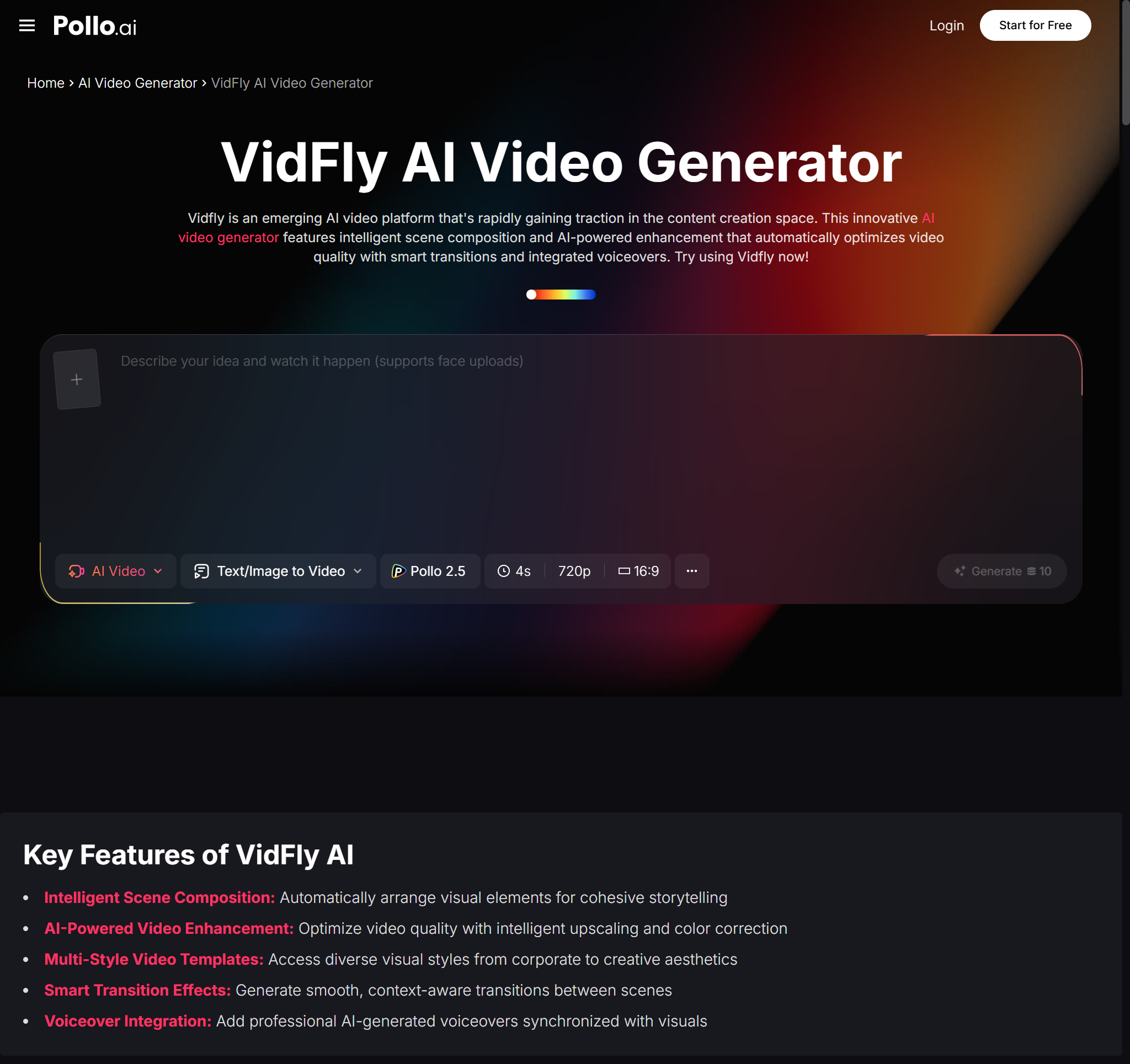
For teams that need a lightweight, template-driven option alongside their main workflow, Vidfly AI is worth exploring. It positions itself as a platform for converting text, images, or ideas into professional-quality videos, with features like text-to-video, image-to-video, and AI avatars available at a free access tier.
The value of template-led generation in a repurposing workflow is mostly about speed. When the visual need is simple — a branded clip with motion text and a caption — a template is faster than a custom edit. Where Vidfly AI, like most template-led tools, runs into limits is when the content has a lot of personality. A clip from a podcast interview with a distinctive speaker voice needs visual choices that feel human and editorial, not just functional.
That said, there's no reason to treat any single tool as the complete solution. Most content teams end up running two or three tools in parallel: one for the complex edits, one for the quick social turnarounds. Testing where Vidfly AI fits in your own production sequence — and comparing it against other options, including Pollo AI, for your specific output format — is a more productive exercise than choosing based on feature lists alone.
Practical Quality Checks Before Publishing
Before any audio-to-video clip goes live, run it through a short checklist:
Readability: Can someone read every caption in full before the next one appears? If not, shorten the clip window or slow the caption timing.
On-brand visuals: Does the colour palette, font choice, and motion style match your existing content? Repurposed content should look intentional, not improvised.
Scene variety: Does the clip hold attention for its full duration without relying on the audio alone to carry the viewer?
Accessibility: Is the contrast ratio strong enough for mobile viewing outdoors? Is every word in the caption accurate?
Format fit: Is the aspect ratio correct for the platform? A landscape clip uploaded to Reels loses impact immediately.
The most durable repurposing workflows treat these checks as non-negotiable steps, not finishing touches. The goal isn't to produce content faster for its own sake — it's to get usable, high-quality clips out without bottlenecking behind a full edit queue. Audio-to-video tools make that possible for teams at almost any size, as long as the selection and review steps stay human-led.