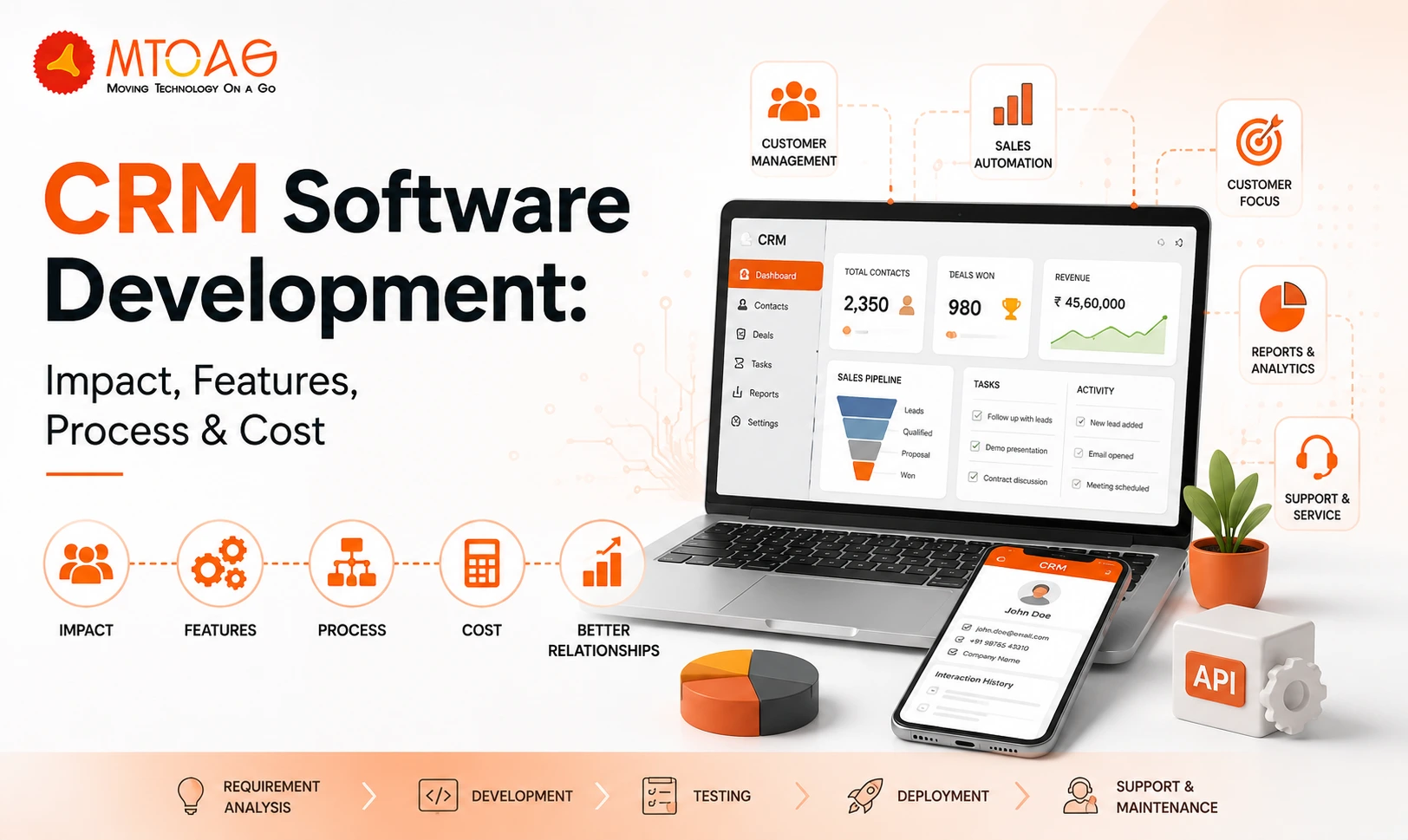
The impact of customer relationship management (CRM) software on modern businesses is undeniable. Enterprises are not solely competing on products or pricing, but have shifted their focus to the quality of customer relationships they build and maintain. The impact of CRM software is evident in the results it delivers. Studies show that CRM systems can increase sales productivity by 34% and boost sales revenue by 29%. These stats not only highlight the business impact but also directly contribute to the increasing demand for custom CRM software development for enterprises.
CRM software enables enterprises to have a centralized view of customer interactions, sales activities, support requests, and marketing efforts. With this set of data and information, CRM helps them build and maintain better relationships, increase productivity, simplify processes, and improve sales revenue through digital labour.
Although it may seem easy to count the benefits of CRM software, the real problem starts when it's time to build a system from scratch and implement it in a way that delivers maximum ROI. We understand the struggle and common dilemma every business may go through at this stage. Therefore, drawing on our experience and industry knowledge, we created this guide to CRM software development, which answers every question a business owner may have.
What is CRM Software?
Customer Relationship Management (CRM) is a complete software system that brings customer information from multiple points to a centralized place. It works as a tool for uniting different departments, such as marketing, sales, commerce and customer service, so they can work on the same updated information.
The software single-handedly stores and organizes crucial customer data, such as interaction history, contact information and communication preferences. Then, turns this data into a centralized view of each customer’s journey. This can help deliver personalized experiences to each customer and increase satisfaction.
At the same time, artificial intelligence (AI) has added more functionality and practicality to CRM software systems. An AI CRM software can automate tracking activities, organize CRM database information, analyze patterns and suggest actionable steps ahead. These capabilities assist businesses in identifying upselling and cross-selling opportunities, enhancing marketing efforts, and even generating personalized service responses.
Cloud-based CRM vs On-premise CRM: Which is Better for Your Business?
CRM software is broadly categorized into two main categories: Cloud-based and On-premises. So, which one does your business need? How do they differ from each other? It's obvious to have these questions. So, let’s compare Cloud-based CRM vs On-premises CRM to have a better understanding.
Cloud-based CRM is a software-as-a-service (SaaS) that is hosted on remote servers, accessible through the internet. Instead of installing hardware or local software, you can log in through a web browser or a mobile app. The CRM provider remotely manages maintenance, security, and updates.
At the same time, on-premises CRMs host and operate servers and networks internally at a physical location, so you have full control over your CRM data and processes. On-premises CRMs are best for institutions operating in regulated industries, such as finance companies, healthcare providers and legal firms that need strict data sovereignty and offline access.
Here’s the detailed comparison between Cloud-based CRM vs On-premise CRM:
- Costs: Cloud-based CRMs are comparatively more cost-effective than on-premises systems. On-premises CRM software requires a high upfront cost for hardware, software licenses, and IT infrastructure
- Accessibility: On-premises CRM software needs an internal IT team to take the system offline to implement updates, while cloud-based systems don’t need downtime for updates.
- AI Readiness: Cloud-based CRMs are better at supporting AI capabilities as they can use real-time data processing and machine learning models, which could be too costly if done on-premises.
Key Statistics of CRM Software Development & Its Market Impact
- The global CRM market is valued at $162.2 billion in 2026 and is expected to grow to $254.3% by 2032 at a CAGR of 12.4%. (Source: SellersCommerce)
- 70% of sales representatives have admitted that CRM helped them close more deals. (Source: PipelineCRM)
- Lead generation remains the top use case of CRM software, followed by customer retention (36%) and campaign reporting (28%). (Source: PipelineCRM)
- There is an over 97% increase in Big Data and AI adoption in CRM by 2030. (Source: PipelineCRM)
Business Benefits of Investing in Custom CRM Development
Custom CRM software solutions help enterprises enhance productivity, customer engagement, and get insightful data for better decision-making. Here are a few of the many benefits of investing in CRM software development:
- Contact Management: To manage customers efficiently, it is crucial for all team members to have access to the latest information about their customers. The information mainly includes purchase history, meeting notes, customer contacts and past service issues.
- Simplified Collaboration: CRM software provides a centralized system to access all customer data whenever they want. Its integration with collaboration platforms like Slack makes it easy for teammates to collaborate, share information and direct AI agents to take actions.
- Scalability: The best business benefit of CRM software is that it scales with your growth. You can start with essential features and then add more as you need. Cloud-based CRMs are often best for this purpose as they don’t need downtime for updates, which never impact your business.
- Data for Reporting, Analytics, and Forecasting: CRMs offer customized dashboards that demonstrate insightful performance data and future projections. AI-powered CRM solutions can help enterprises forecast sales trends, identify risks and suggest better decision-making based on that.
Core Features of CRM Software
The best CRM software is one that has all the features that collectively support sales, marketing effectiveness, performance and customer service excellence.
Here’s a list of crucial features of CRM software:
- Contact Management: This set of features includes storage and sorting of interaction history, customer preferences and data to remove the need for routine data entry.
- Sales Pipeline Management: This feature provides clear visibility into all stages of the sales funnel. The teams can find and review bottlenecks, pay attention to follow-ups, and forecast revenue deals in a single dashboard.
- Marketing Automation: This feature is specific to marketing teams and helps them automate the email outreach, social media posting and lead generation workflows. It helps the teams to focus on creating a better strategy rather than doing routine execution tasks.
- Lead Management: The CRM automatically gathers, tracks, and scores leads through the complete sales cycle. The lead scoring feature helps in customizing high-value prospects.
- Reporting and Analytics: The reporting and analytics feature provides a dashboard for enterprises to see performance reports, identify areas of improvement, strategic planning and track the ROI of customer retention initiatives.
- AI and ML Integration: AI is everywhere, and CRM software is something taking the full advantage of this technology. The AI integration automates the customer behaviour analysis, routine actions, and customizes interactions accordingly.
- Mobile Accessibility: With 70% of businesses now prioritizing mobile CRM solutions, mobile accessibility is a must-have for modern solutions. Include push notifications, offline capabilities, and push interface features to get the best out of your custom CRM software.
CRM Software for Different Industries
CRM software has an impact on almost every industry in a positive way. Here’s how CRM software development helps different industries:
Real Estate
Real estate agents or builders can use CRM software to track leads, whether it's a first inquiry or the closing day of the deal. There is also an option for automated follow-ups so that no prospect slips through the cracks. The system keeps a bird's-eye view of every active listing and buyer conversation in one place.
Healthcare
Healthcare CRMs are the most in-demand software systems that manage patients’ relationships and information in one place. It includes appointment reminders, prescriptions, and post-visit check-ins, all while being fully HIPAA-compliant.
E-commerce
E-commerce brands can integrate their store data into CRM and segment customers based on purchase history, and create a campaign for lapsed buyers accordingly. This can help personalize product recommendations that actually convert.
Financial Services
Finance teams need to maintain detailed client profiles, oversee renewal and log every interaction for compliance. And CRM software helps them do all these tasks easily.
How to Develop a CRM Software?
Most businesses turn to CRM development because spreadsheets, disconnected tools, and manual follow-ups start creating operational gaps. Sales teams lose track of conversations, support teams work without context, and management struggles to get reliable data.
A successful CRM project begins with understanding those operational challenges even before the consultation starts for development.
Define Business Processes First
Many CRM projects become unnecessarily complex because companies start discussing features before defining workflows. The development process should begin with identifying how leads enter the business, how opportunities move through the sales cycle, how customer communication is handled, and what information different departments need access to.
When these workflows are documented clearly, development decisions become much easier. Instead of building features based on assumptions, the CRM is designed around actual business operations.
Prioritize Core Features
Attempting to build everything at once is often the most common mistake in CRM development. Modern CRM platforms can include dozens of modules, but not every business needs all of them immediately.
Most custom CRM projects start with core functionality such as:
Contact and account management
- Lead tracking
- Sales pipeline management
- Task and activity tracking
- Reporting dashboards
- Email and communication records
If the foundation is stable, additional capabilities such as marketing automation, customer support modules, workflow automation, or AI-driven insights can be introduced gradually.
Design for Daily Usage
A CRM succeeds only when employees actually use it. Even the most technically advanced system becomes ineffective if the interface feels complicated or slows down daily work.
During development, usability should be prioritized just as much as functionality. Sales representatives, customer service teams, and managers interact with the platform differently, so the interface should be tailored to their specific responsibilities.
Build Integrations Early
Businesses typically rely on email platforms, accounting systems, ERP software, communication tools, marketing platforms, and payment gateways.
Ignoring integrations during the planning stage can create significant challenges later. A CRM that exchanges data seamlessly with existing systems eliminates duplicate work and provides a more complete view of customer interactions.
For many organizations, integration requirements influence the overall development approach as much as the CRM features themselves.
Test, Launch, and Improve
CRM development should not end when the software goes live. Real users often reveal workflow issues, reporting gaps, or feature requirements that were not visible during planning.
Many successful CRM implementations follow an iterative approach where feedback is collected continuously after launch. This allows businesses to improve the system based on actual usage patterns rather than assumptions.
The most effective CRM solutions typically evolve alongside the business instead of remaining fixed after deployment.
How Much Does a Custom CRM Software Development Cost?
There is no universal price for CRM development because every business has different requirements, workflows, and integration needs. A simple lead management platform and a fully customized enterprise CRM represent entirely different development efforts.
While every project is different, the following ranges provide a realistic starting point.
Basic CRM Development: $10,000–$30,000
A basic CRM typically includes essential features such as:
- Contact management
- Lead tracking
- Sales pipeline management
- Task reminders
- Basic reporting dashboards
- User authentication and role management
These systems are often suitable for startups and small businesses looking to replace spreadsheets and manual customer tracking processes.
Mid-Level CRM Development: $30,000–$80,000
Most growing businesses fall into this category. A mid-level CRM generally includes:
- Advanced reporting and analytics
- Workflow automation
- Email integration
- Customer activity tracking
- Custom dashboards
- Mobile responsiveness
- Multiple user roles and permissions
- Third-party integrations
At this stage, the CRM begins serving as a central operational platform rather than simply a customer database.
Enterprise CRM Development: $80,000–$250,000+
Large organizations often require highly customized solutions that support multiple teams, business units, and complex workflows. Enterprise CRM projects may include:
- AI-powered recommendations and insights
- ERP integrations
- Marketing automation
- Customer self-service portals
- Advanced security and compliance controls
- Multi-location support
- Custom approval workflows
- Real-time analytics
The development timeline for such systems can extend from several months to more than a year, depending on complexity.
Additional Costs to Consider
The initial development budget is only part of the investment. Businesses should also account for:
- Cloud hosting and infrastructure
- Ongoing maintenance and support
- Security updates
- Feature enhancements
- API and third-party service costs
- Performance optimization
Annual maintenance expenses often range between 15% and 25% of the original development cost.
Conclusion
CRM software development has moved far beyond just a contact book; it has now become a crucial tool for businesses to streamline internal processes, improve team collaboration, and manage customer relationships to make data-driven decisions. However, the value of CRM software doesn’t derive from the number of features you add to it but from how well it aligns with your business goals and requirements.
For an organization considering a custom CRM solution, partnering with an experienced development team like Mtoag Technologies can make the entire process more structured and outcome-focused. We have worked with businesses across industries to design and develop CRM platforms tailored to their unique processes, growth plans, and operational requirements.
FAQs
What is CRM in Software Development?
CRM (Customer Relationship Management) software is a system designed to help businesses manage customer interactions, sales activities, support requests, and communication history from one place. In software development, CRM solutions are built to streamline customer-related processes and improve visibility across teams.
What are the Top 5 CRMs?
The most widely used CRM platforms include Salesforce, HubSpot CRM, Microsoft Dynamics 365, Zoho CRM, and Pipedrive. Each serves different business needs, ranging from small startups to large enterprises, with varying levels of customization, automation, reporting, and integration capabilities.
How AI is Impacting CRM Software Development?
AI is making CRM systems more intelligent by automating routine tasks, predicting customer behaviour, scoring leads, generating insights, and assisting with customer support. Modern CRM development increasingly includes AI features that help teams make faster decisions and reduce manual work.